
Learn by topic
Most recent articles
Browse recent articles
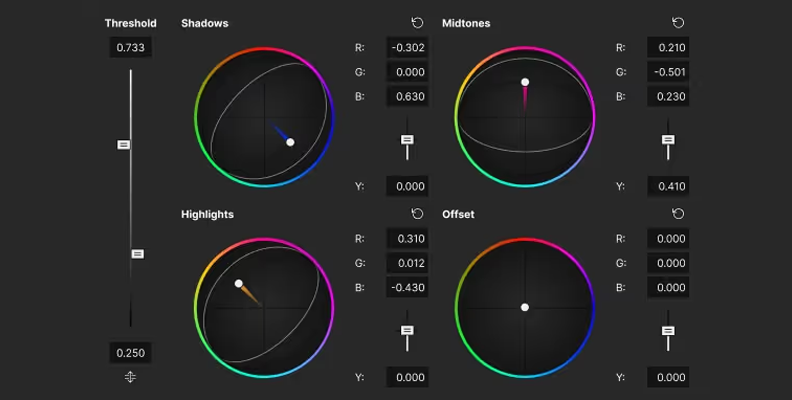
Cinematic Color Grading Explained: A Complete Guide
Learn cinematic color grading from start to finish. Discover color theory, grading workflows, popular film looks, tools, and professional techniques used in movies and video production.
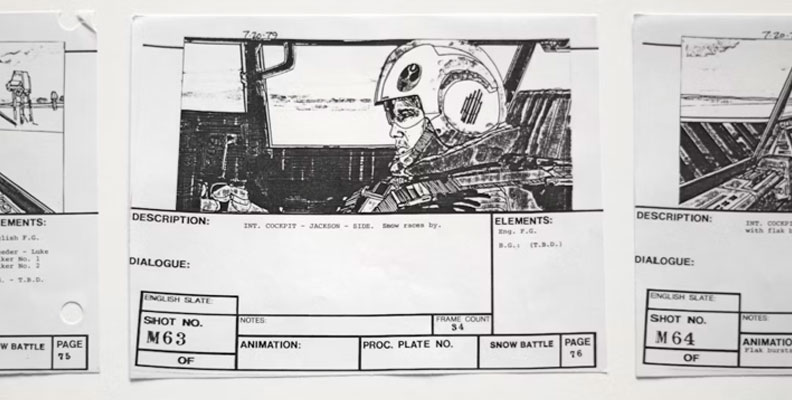
How to Make a Storyboard: Step-by-Step Using Vegas Pro
Learn how to make a storyboard step by step. Discover the storyboard creation process, essential elements, best practices, and tools for film, animation, commercials, and YouTube videos.
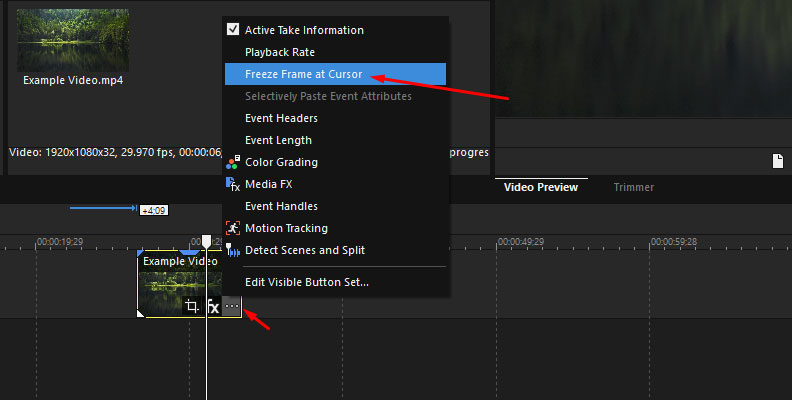
Freeze Frame Explained: Meaning, Techniques & Iconic Examples in Film and Photography
Learn what a freeze frame is in film and photography. Explore freeze-frame techniques, storytelling uses, editing methods, and iconic cinematic examples.
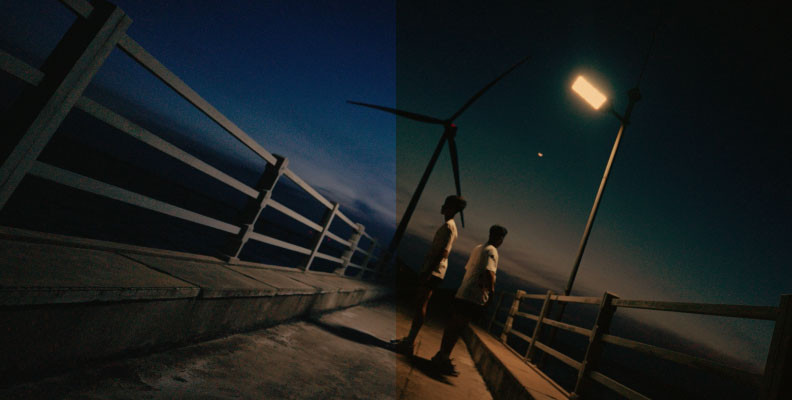
Get Started with Teal and Orange Color Grading in Vegas Pro
Learn how to create a cinematic teal and orange color grade in VEGAS Pro. Follow this step-by-step tutorial using color wheels, curves, LUTs, and professional grading techniques.
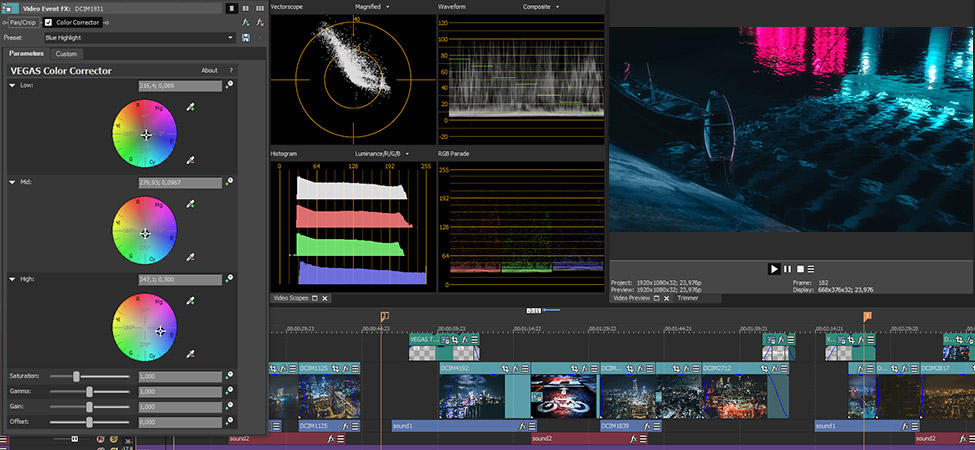
Using Video Scopes for Accurate Color Correction & Color Grading
Learn how to use highly accurate video scopes including Waveforms, Vectorscope & Histogram for an accurate color grading process. Make the correct adjustments, with accurate information!
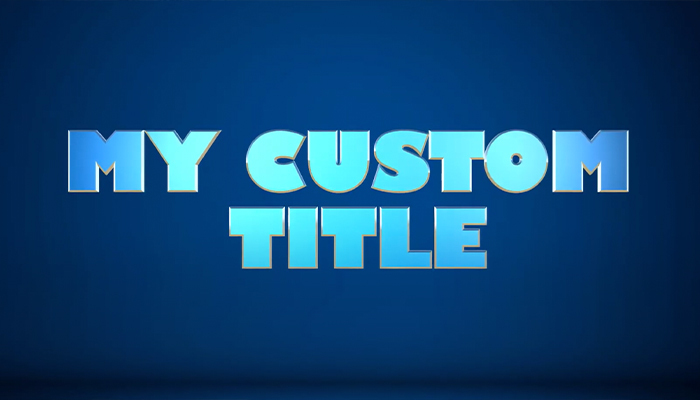
How to Add Text, Titles and Credit Rolls in Vegas Pro
Learn how to use text, titles, and credit rolls in VEGAS Pro with this tutorial. Use animated presets and customize them in the Media Generator controls for powerful text and effects perfect for your creative projects!
VEGAS Pro Suite vs. DaVinci Resolve Studio - Key features comparison
Find out if VEGAS Pro Suite is the right alternative to DaVinci Resolve for you! Head-to-head software comparison: Key features, differences & prices.
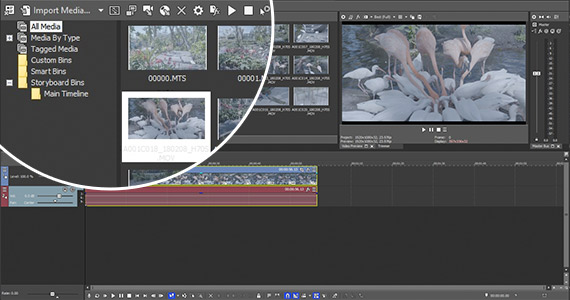
How to Convert MOV Files to MP4 Format
Learn how to convert your MOV video files into the versatile, streaming-friendly MP4 file format. Try it for free!
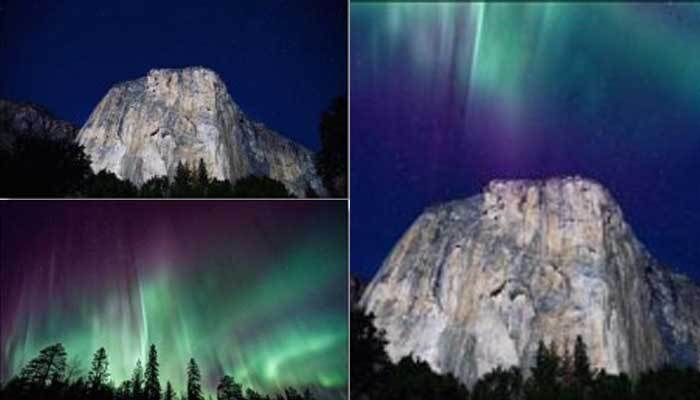
How to Combine Multiple Video Clips Into a Single Video in Vegas Pro
In this tutorial, we’ll show you how to combine two or more video clips into one video within VEGAS Pro.
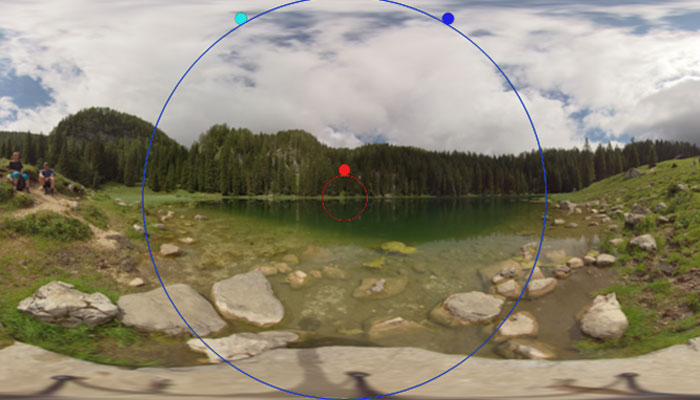
Editing 360° Video
Learn how easy it is to edit and export 360° video in VEGAS. Add text and effects within an immersive 360° environment and let your audience explore your world! VEGAS Pro allows you now to easily add special effects and preview them instantly in the 360° viewer panel.
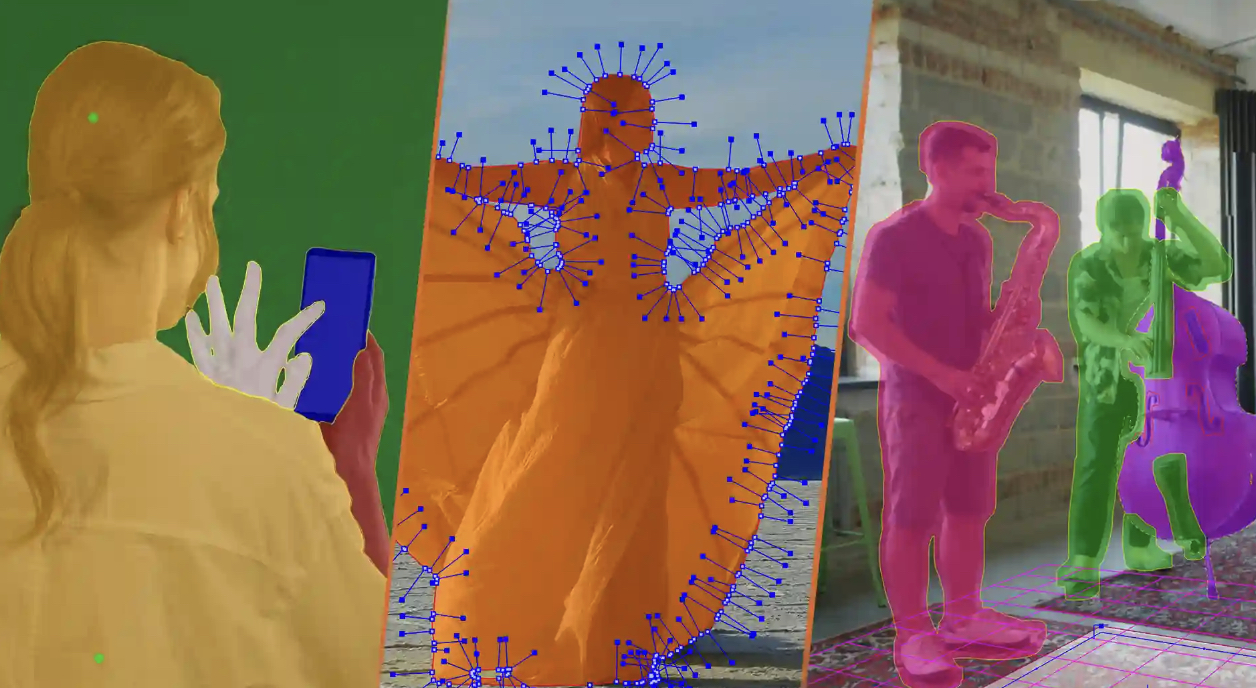
All About Planar Tracking, In-Depth Guide
Learn how to track complex moving shapes that are not square to the camera, like sides of buildings seen in perspective, so you can map other images to those shapes.

Powerful image & video stabilization for a professional look
Fix shaky footage and get perfectly stable videos without quality losing! Follow this guide for the best recommended settings for pro-level stabilization.
Best Video Formats: Choosing What’s Best for You
Which video format should you use? Which is better for shooting and editing? What’s best for transcoding or export? We demystify it for you here!
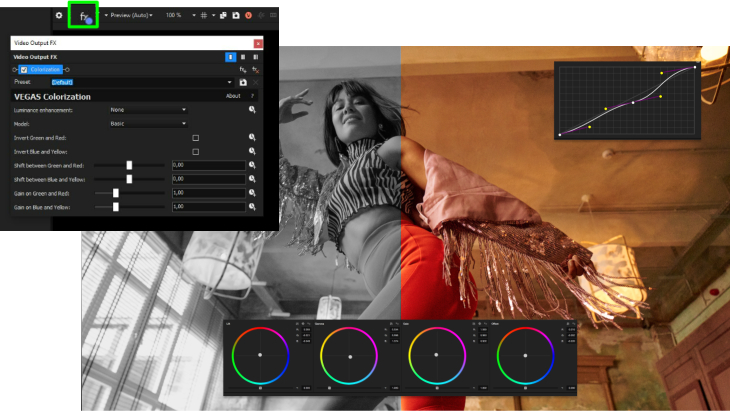
VEGAS Pro Colorization AI: Colorize Black and White Videos
Find out how Colorization AI in VEGAS Pro helps you breathe life into historical footage, elevate storytelling, and captivate your audience.
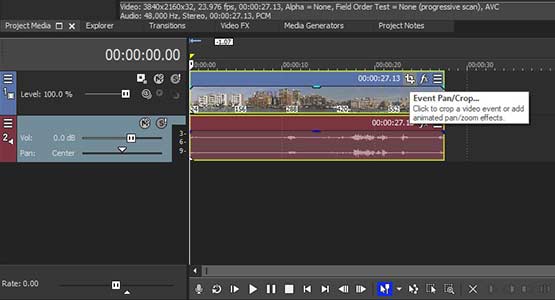
Rotate or Flip Your Video and Images
Rotate your videos in seconds! We'll show you how to rotate your videos vertically-horizontally or mirror them. Discover how VEGAS Software make it fast and easy to rotate or flip your images.
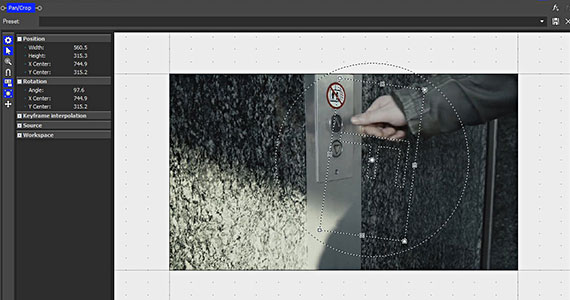
Keyframe Animation
Find out what keyframes are and learn to animate effects with keyframes, adjust parameters, and change keyframe interpolation with VEGAS Pro.
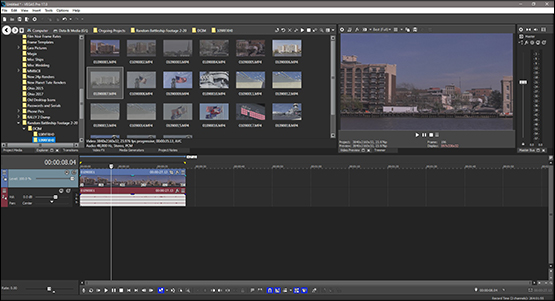
What is a Video Bit Rate and How it Affects Video
Here’s what you need to know about video bit rates, how they work, why they’re important, and how to choose them when rendering in VEGAS Pro.
VEGAS Pro Suite vs Premiere Pro
Find out if VEGAS Pro is the right alternative to Adobe Premiere Pro for you! Head-to-head software comparison: Key features, differences & prices.

Jump Cuts and What to Do About Them
Explore what jump cuts are, what causes jump cuts, what creative ways editors have developed to work around them, and what new tools VEGAS Pro offers to cover jump cuts quickly.

Why is Non-Linear Video Editing The Standard Today?
Discover why non-linear editing replaced linear editing, and how it unleashes your creativity with flexibility, speed, and ease – plus a few good things about linear editing.

Choosing the Best Computer for Professional Video Editing
Hardware choice affects the performance of professional video editing software - explore the best computer hardware for different kinds of video editing needs.

L-cuts and J-Cuts — Why and How?
Learn how do J and L-cuts impact the audience, about editing techniques of L-cuts and J-cuts, how they're used, and how to create them in your own projects.
What Match Cuts Are and How You Can Use Them for Great Storytelling
What is a match cut? How to plan and shoot match cuts? We explain how to use these creative transitions to improve your video storytelling - including graphic match cuts, audio match cuts, and movement match cuts.

The Art of Split Screen: Create your Videos Quickly and Easily
Learn how to make a split-screen video in VEGAS Pro with the built-in Crop effect.

Removing Noise from Audio and Video
Is your audio or video noisy? Mitigate or eliminate unwanted noise in audio or video using these tools and techniques in VEGAS Pro.
Smart Mask: The Magic of AI Assisted Masking in Video Editing
Dive into our comprehensive guide on how to use AI-assisted object detection, masking and motion tracking in VEGAS Pro 21.
AI Video Editing: Discover AI Tools in VEGAS Pro
Elevate your video editing with VEGAS Pro's cutting-edge AI features: Transform text into speech, add colorization effects and effortlessly upscale your content.

Understanding What Color Correction And Color Grading Are – And Aren’t
What’s the difference between color correction and color grading? We'll walk you through the video color process and explore some workflows and best practices.
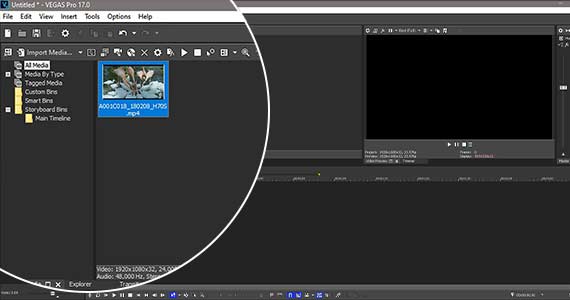
Play a Video Backwards: What You Need to Know
It’s easy, fast, and simple – you’ll be amazed! In this tutorial, we’ll learn how to reverse video and audio direction in VEGAS Pro.

Use Luts for Incredible Results in Your Color Correction and Color Grading
Can't seem to get the right look and color out of your raw video? Explore the wonderful world of LUTs and how to apply them to your next project.

How to Overlay Pictures on a Video Easily
Use VEGAS Software to overlay pictures and craft exciting composite videos. Follow this tutorial and learn how to use several different tools and effects to make video overlays part of your creative toolkit.

How Do I Create Picture in Picture in Video?
Create stunning video composites from your photos and videos. This tutorial explores using the Picture-In-Picture and Mesh Warp tools in VEGAS Pro to seamlessly insert one image into another.

Transition effects for videos
Video editors use transitions to tie their shots and clips together into a cohesive, polished program. Transitions can take many different forms, from straight cuts to fades and dissolves to full-blown 3D animations.

Video Stabilization and Motion-Tracking Workflows to Boost Your Videos
Learn about motion tracking and stabilization. Apply video stabilization for smooth video. Learn to track objects, and isolate and pin other objects to them.

Video Secrets: Finding the best professional editing software for you
Looking for the right professional video software for your needs? Trying to decide between free and paid software? Here’s what to look for when choosing a non-linear editor!
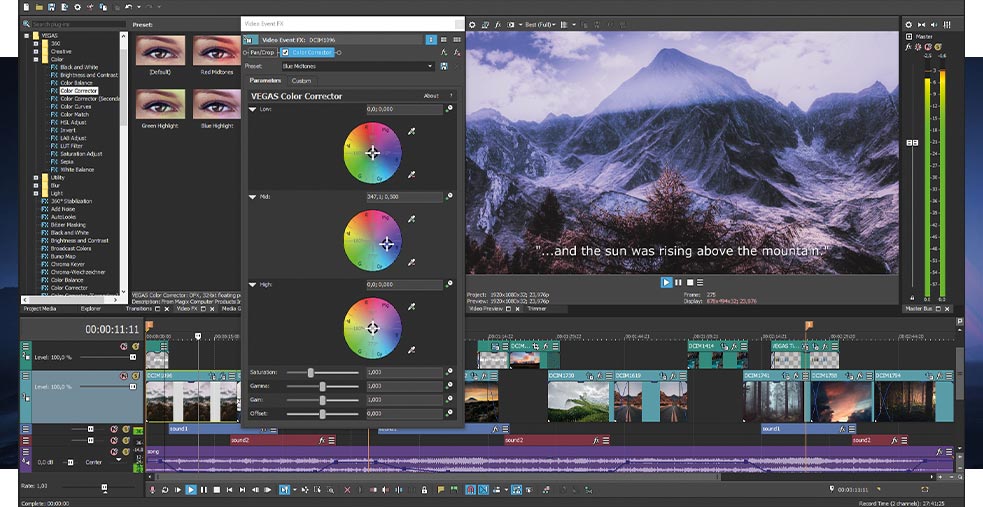
Creative Video Editing Techniques Every Video Editor Should Know
Guide to creative film, editing techniques & software -for novice film makers & beginner video editors. Master these edit types & bring amazing film ideas to life easily.